E-Sign · Standard encryption

Send a document for signature. Get back a signed PDF + audit certificate.

Drop a PDF in. Place a signature field where each person needs to sign. Track every step. The moment the last person signs, you download the signed PDF and a separate audit certificate. No DocuSign-tier pricing required.

Drop a PDF in. Vukorix finds the signature spots automatically, walks each signer through the document on a clean page, and produces a signing certificate you can hand to your client or compliance team. E-Sign uses Vukorix's Standard encryption mode because Vukorix needs to open the document and stamp the signature onto it — Private mode (where Vukorix never sees the file) isn't available here.

Features

Everything you need to close.

Auto-detect signature fields

If your PDF already has fillable fields, Vukorix picks them up automatically. Drag and drop signature blocks anywhere they're missing.

One signer or twenty

Send to one person or a whole list. Choose a strict order (signer A, then B, then C) or let everyone sign in parallel. Reminder emails go out automatically so you're not chasing.

Audit certificate

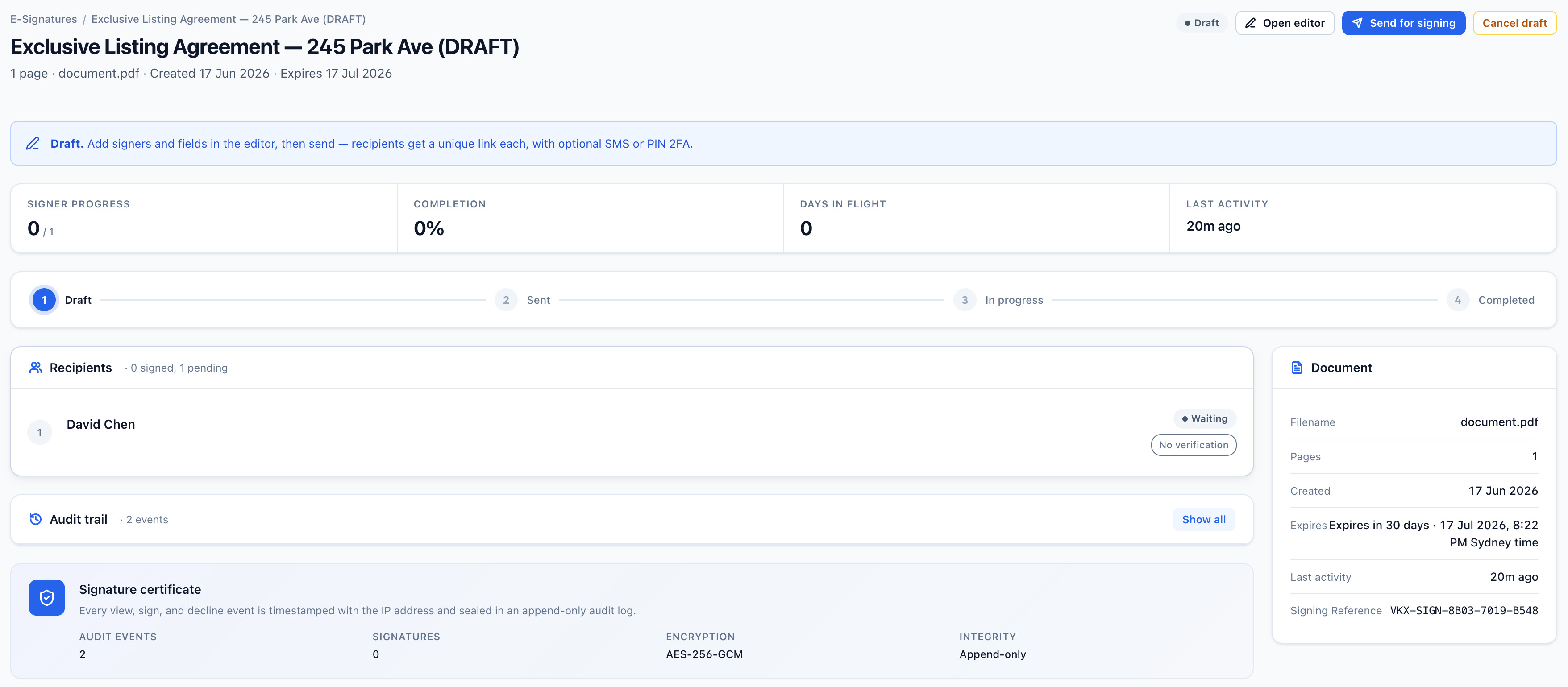
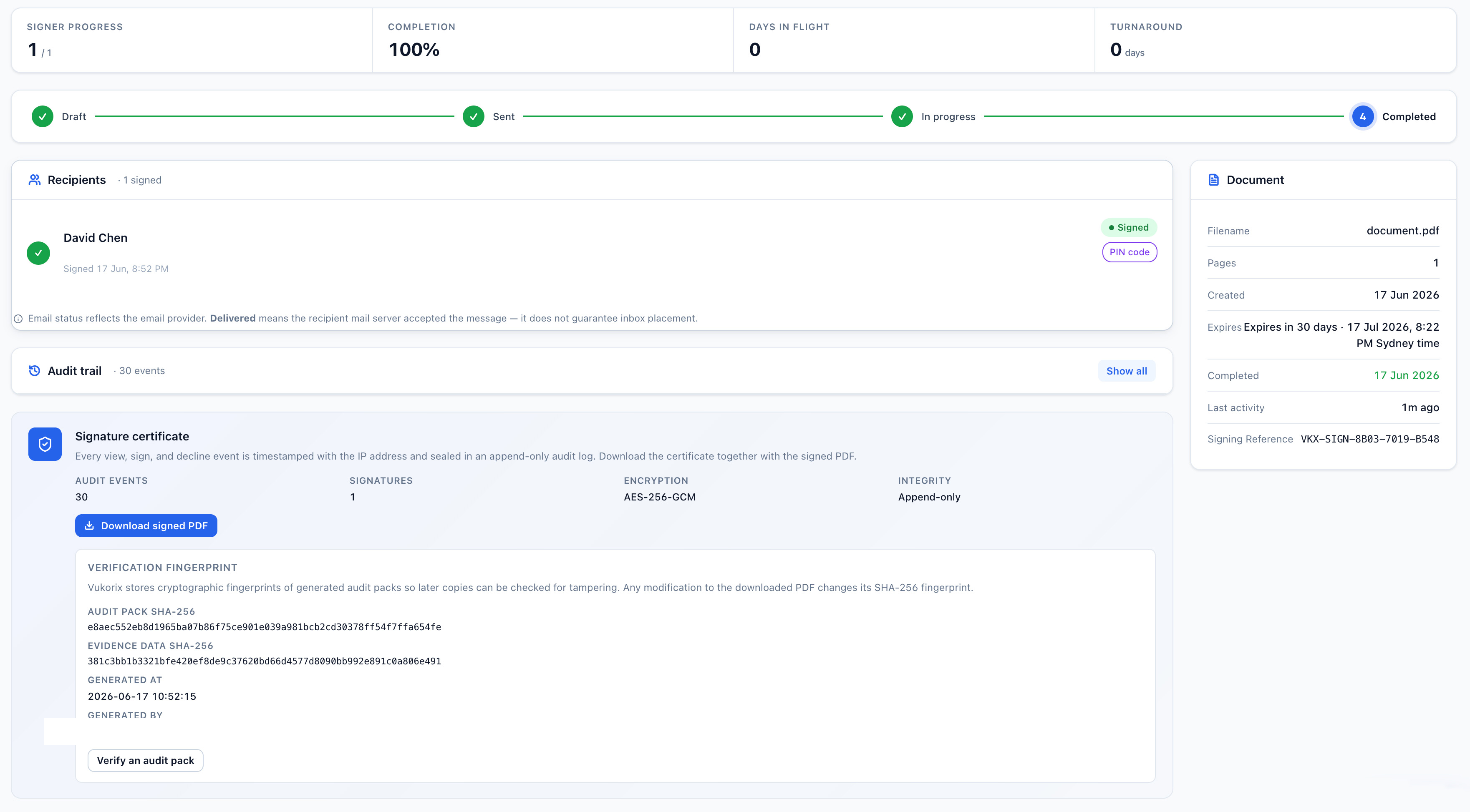
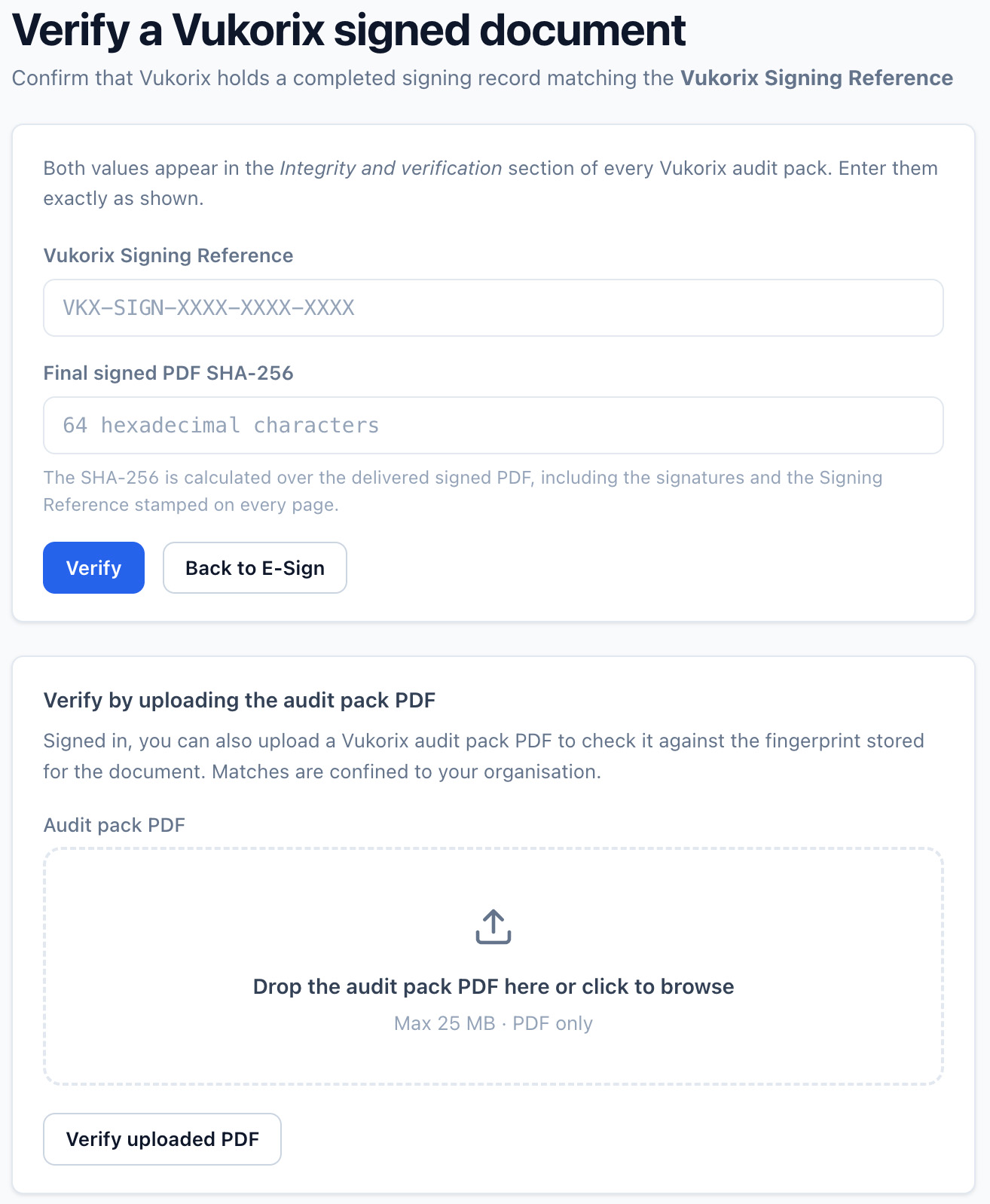
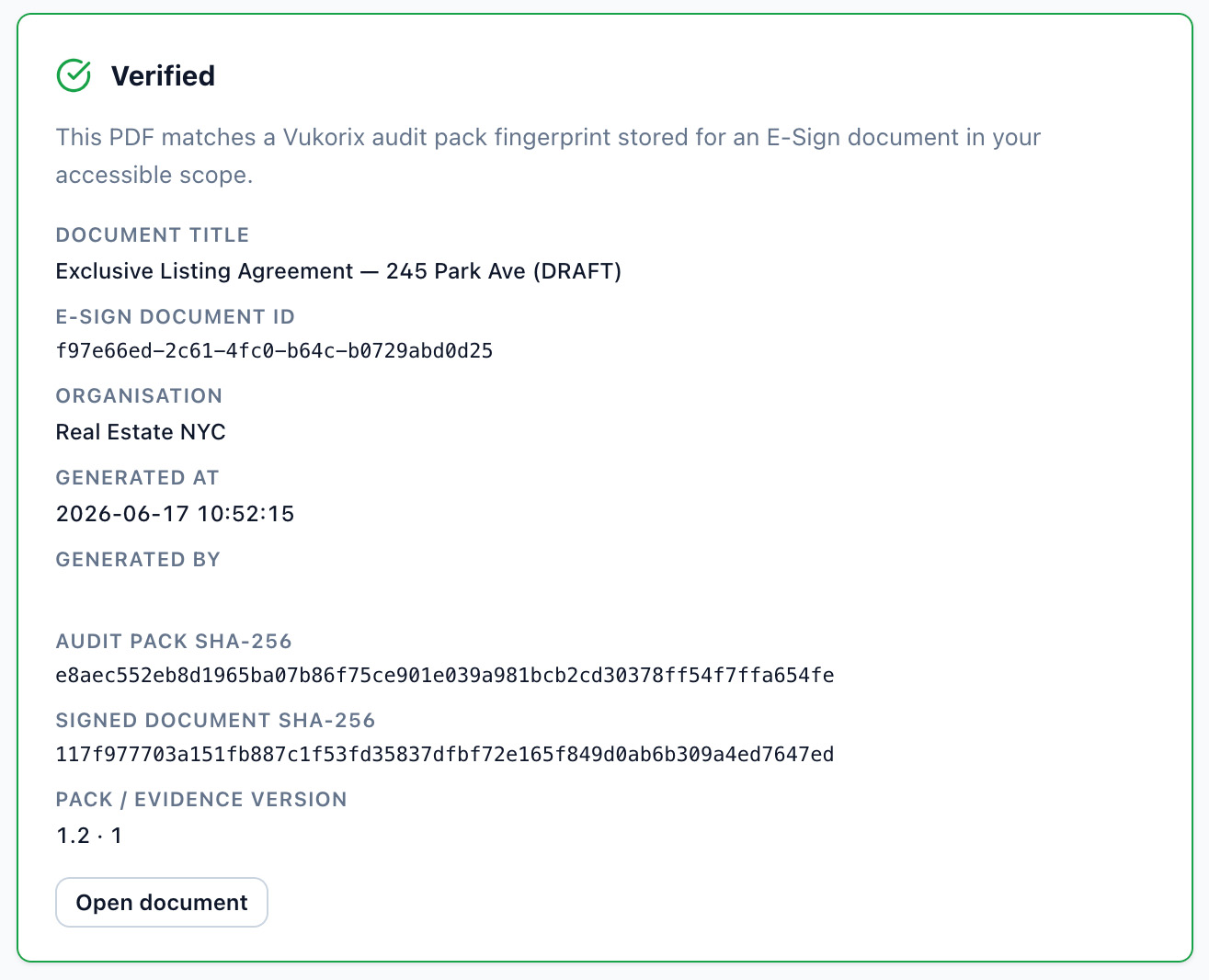
A timestamp on every action, each signer's IP and identity check, and a tamper-proof fingerprint of the signed PDF — proof it hasn't been changed after signing.

Mark-ups, comments & blackouts

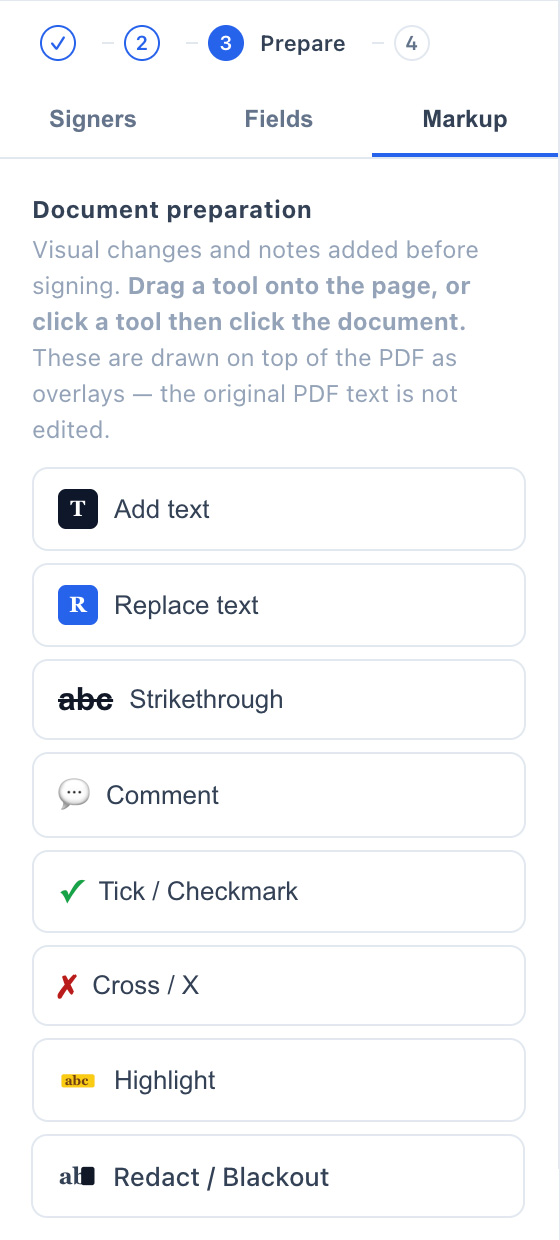
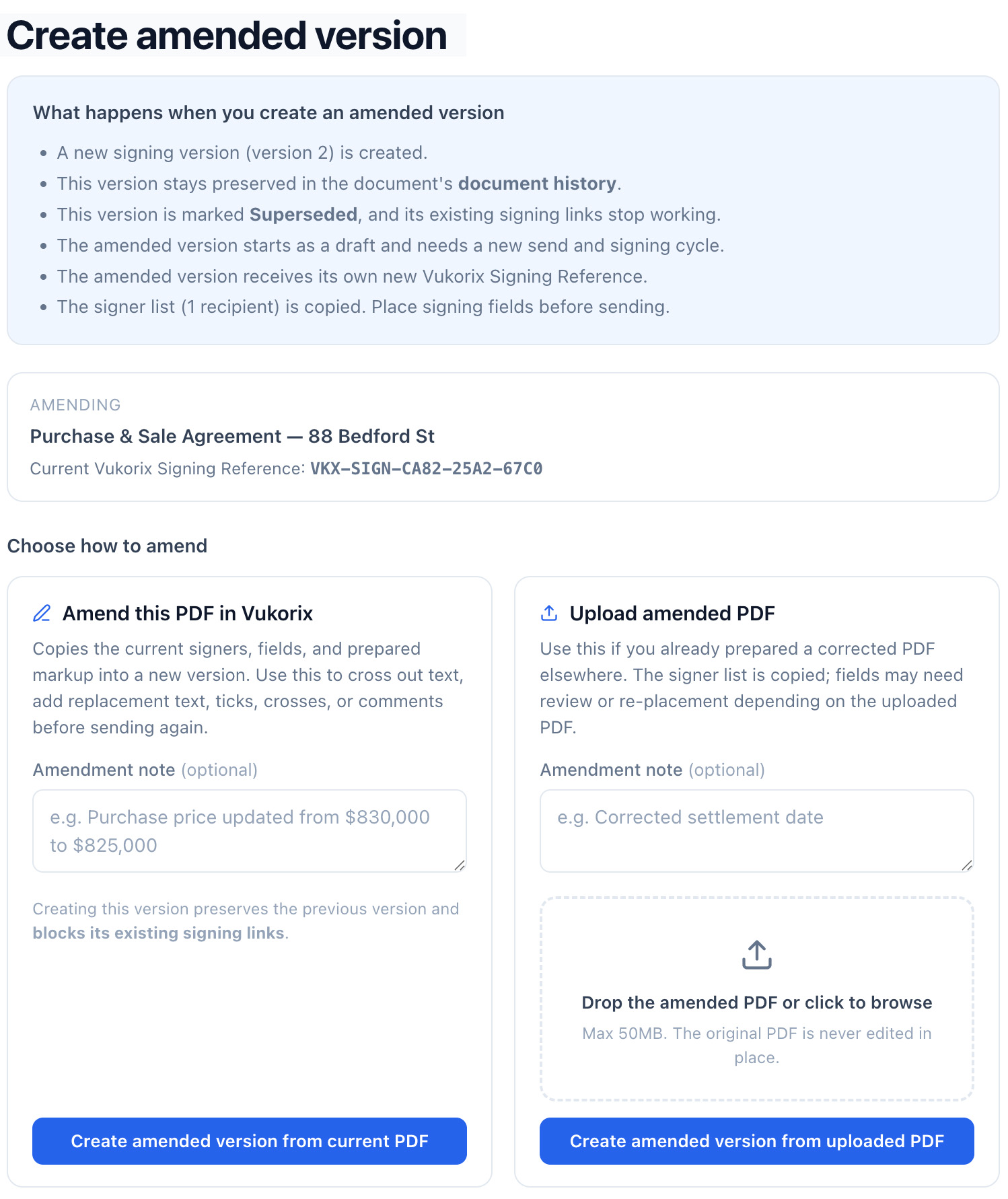
Strike through text (the line is baked permanently into the signed PDF), leave internal comments only your team sees, add comments your signers can see, and black out sensitive text — all on the same page where you set up the signature.

Extra verification per signer

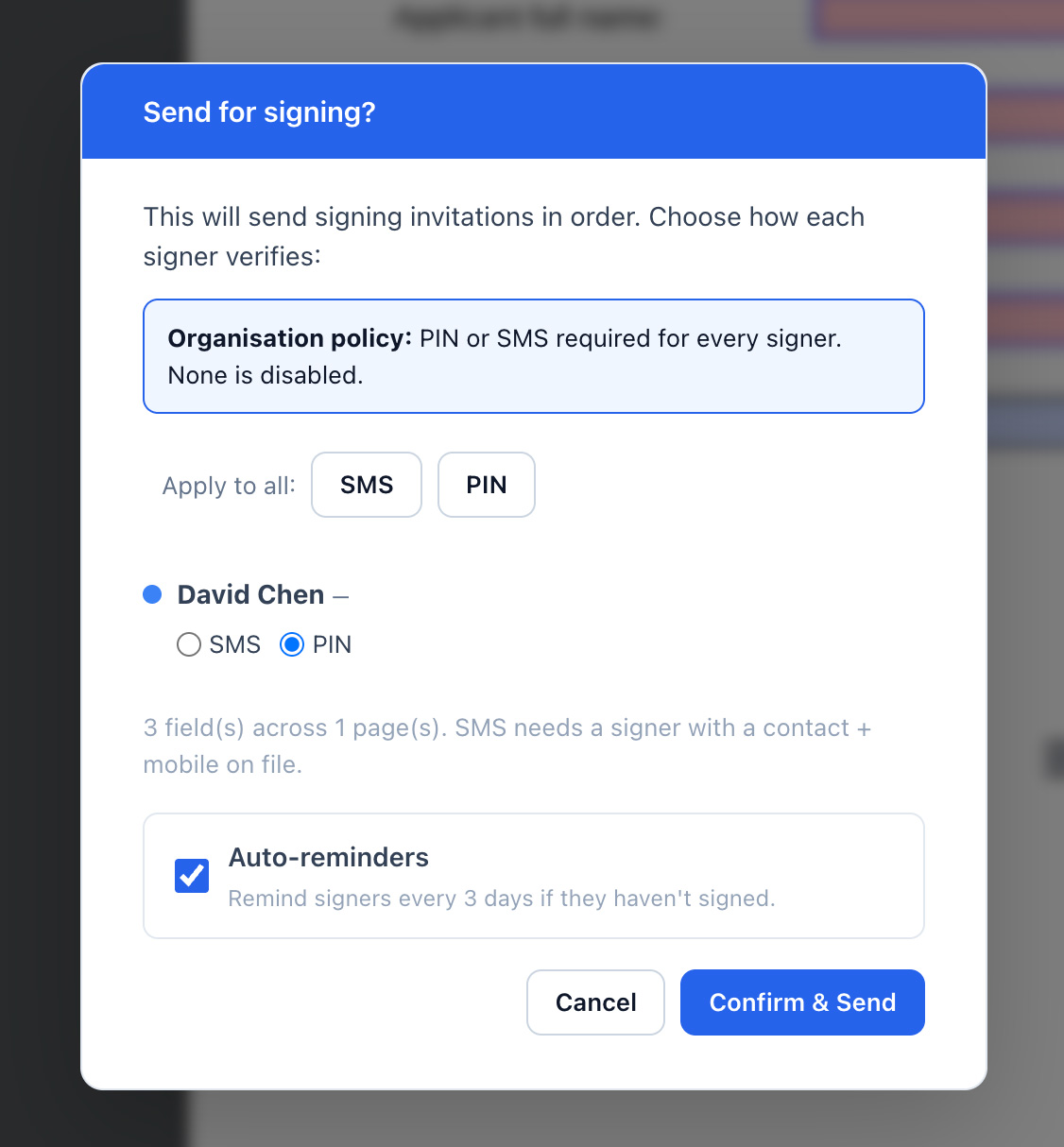
Add a 4-digit PIN or SMS code as a second check before each signer can open the document. Change verification at any point while the link is still active — no need to resend.

Start from a template

One click on any template in your Document Library creates a brand-new draft. Your saved template stays untouched and ready to reuse.

How it works

From draft to signed PDF in minutes.

Upload your PDF

Drop a PDF onto the editor — or pick a template from your Document Library.

Place fields and add signers

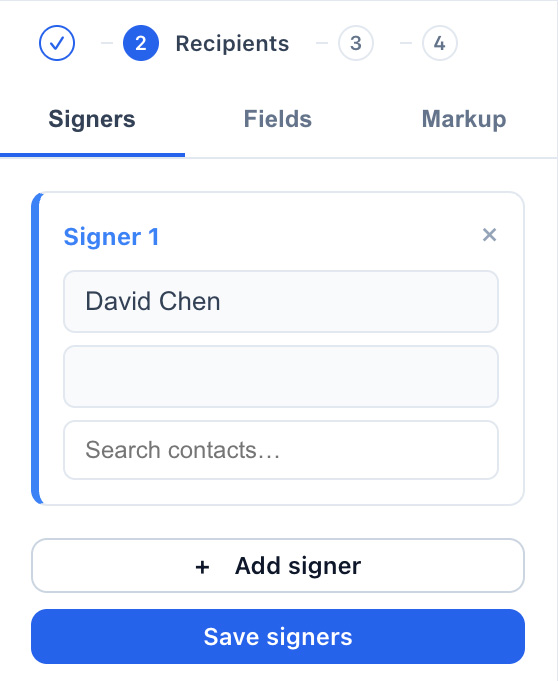
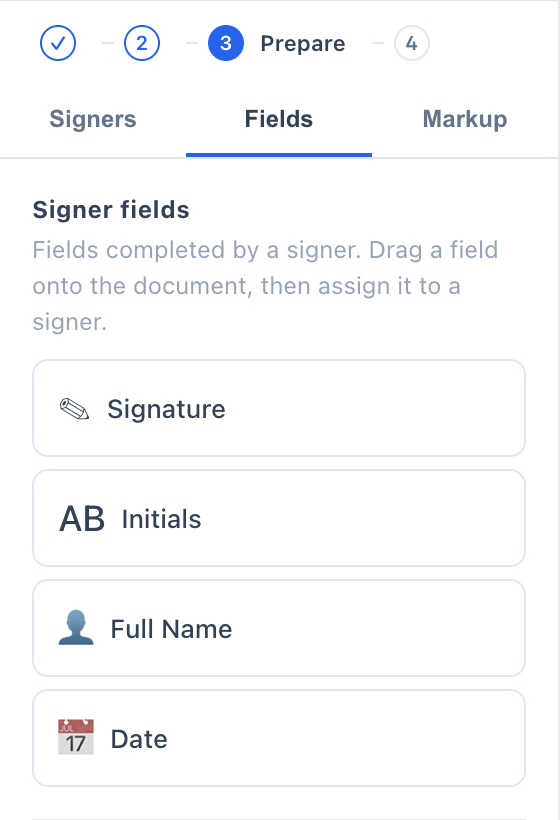
Drag signature, date, initial, and text fields onto the page. Add as many signers as you need.

Send and track

Click Send. Watch the status move from Draft → Sent → Partially signed → Completed. Reminders go out automatically.

Download the signed PDF

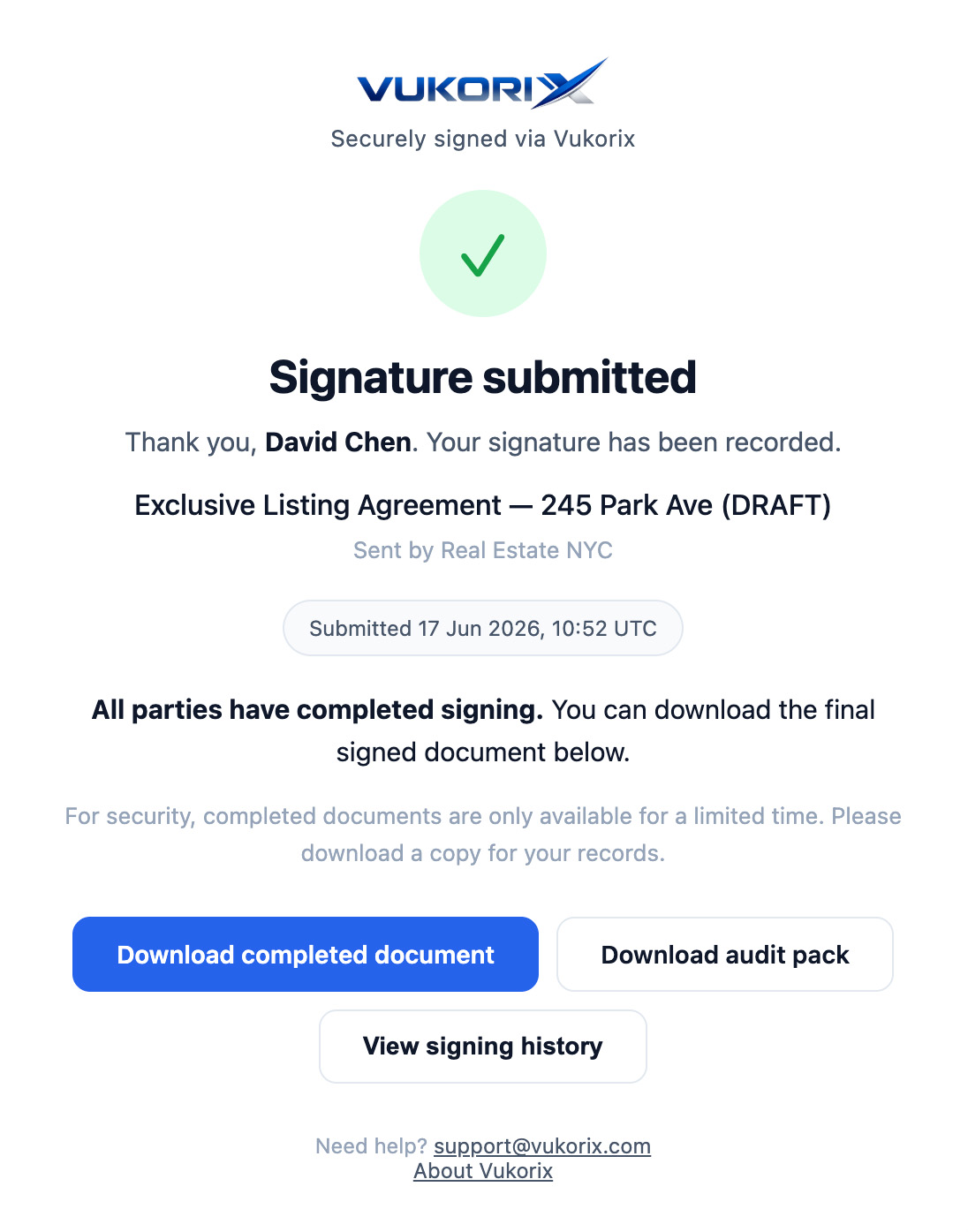
The moment the last person signs, download the signed PDF and the audit certificate — a full record of who signed, when, and from where.

How we protect it. E-Sign uses Standard encryption — bank-grade AES-256 on our servers, with a key we hold for you. Vukorix needs to open the document to stamp the signature on it, so Private mode (where Vukorix never sees the file) isn't available for E-Sign. See the full security architecture →

Ready to ditch DocuSign?

Send your first E-Sign in under five minutes. No credit card required.