Send a PDF for signature, place the fields where each person signs, and track every step. You get back a signed PDF and an audit certificate, and your clients sign from a link with no account to create.
$9.99/month. 3 seats included. 7-day free trial, no credit card required.
Upload your PDF and send it to one signer or many, in sequence or in parallel.
Drag fields onto the page where each person needs to sign.
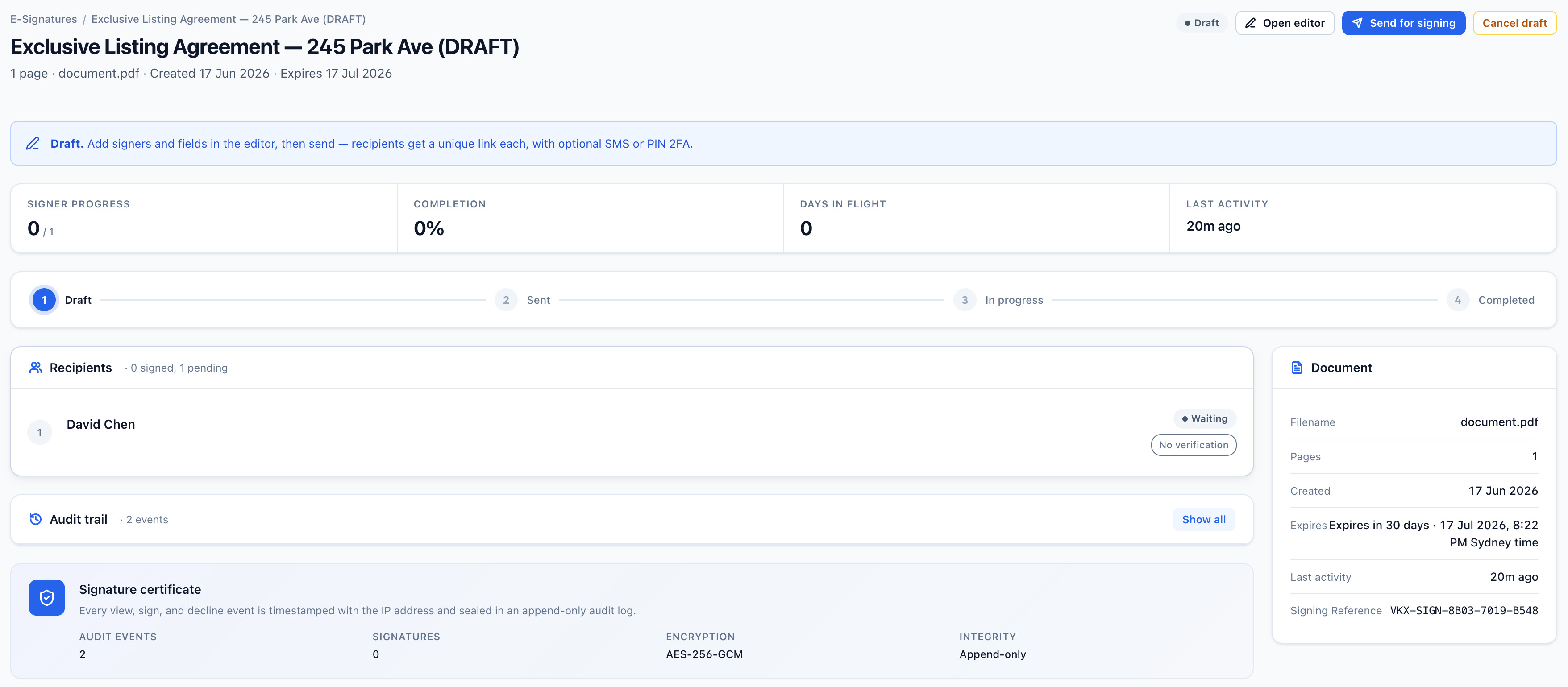
Watch the document move from sent to completed, with automatic reminders.
Get back a signed PDF and a separate audit certificate recording each view, sign, and decline.
Signers open the link and sign in the browser. There is no account to create.
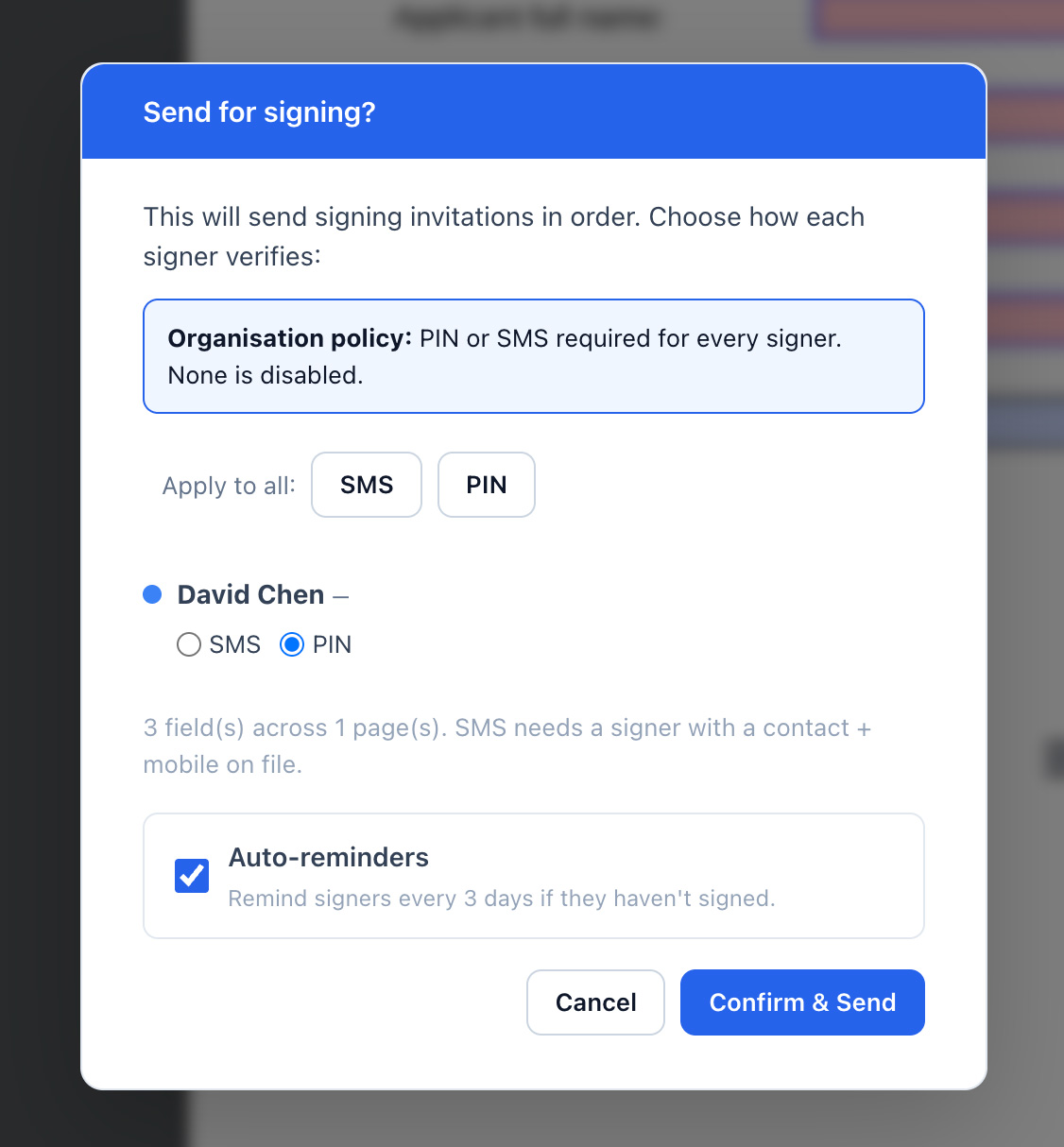
Add a PIN or SMS code as a second check before a signer can open the document.
Document signing in Vukorix is built on E-Sign.
Use Vukorix as your document signing software for contracts, approvals, engagement letters, and client forms. Start from a reusable template in your Document Library so standard documents are ready to send in one click.
Document signing software lets you send a document for electronic signature, collect signatures from one or more people, and get back a signed file with a record of who signed and when. Vukorix E-Sign does this from a PDF you upload.
Yes. Upload your PDF, place a signature field where each person needs to sign, add signers in the order you want, and send.
No. Each signer opens the link you send and signs in their browser. There is no account to create and nothing to install.
A signed PDF and a separate audit certificate that records each view, sign, and decline event.
Start your 7-day free trial. No credit card required.